Understanding Password Security Protocols
In today's digital landscape, ensuring the security of user accounts is paramount. Password security protocols are designed to protect sensitive information and maintain user privacy. Group Leaders play a crucial role in managing these protocols by overseeing password resets and ensuring that all users adhere to best practices for creating and maintaining secure passwords.
For instance, implementing multi-factor authentication alongside password resets can significantly enhance security. Encouraging users to create complex passwords and change them regularly further mitigates the risk of unauthorized access. CreateAbility Inc. emphasizes training Group Leaders on these protocols to foster a secure environment within the GIRDER.BEAM.CARE platform.
Step-by-Step Password Reset Process for Group Leaders
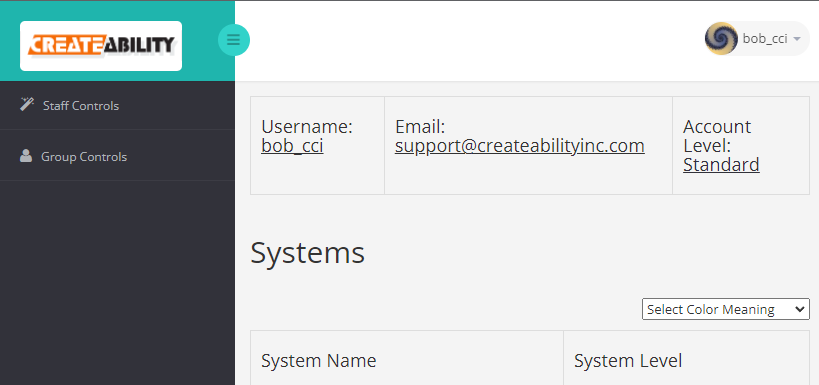
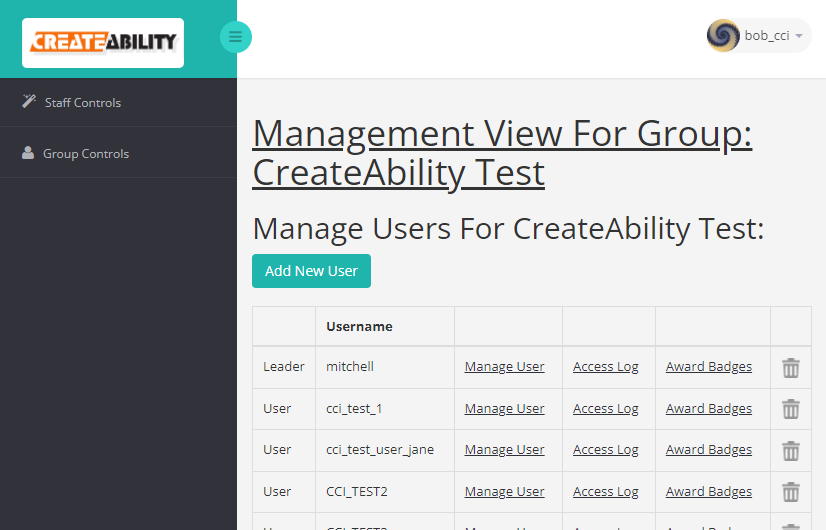
The password reset process for Group Leaders on the GIRDER.BEAM.CARE platform is designed to be straightforward yet secure. Group Leaders must follow specific steps to ensure that the reset is conducted properly, safeguarding the user's account and data. This process includes logging into the system, navigating to the user management section, and selecting the appropriate user whose password needs to be reset.
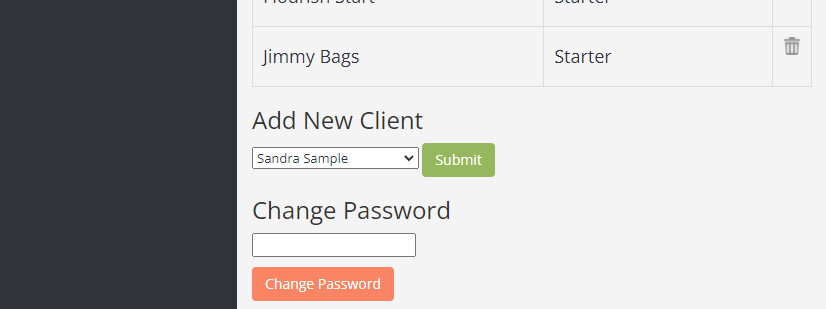
Once the user is selected, the Group Leader can initiate the password reset by following on-screen prompts. It's essential that Group Leaders are familiar with this process to assist users effectively. Additionally, having a clear, written guide available can help streamline the process and reduce confusion during password resets.
Common Issues Encountered During Password Resets
Despite the straightforward nature of the password reset process, Group Leaders may encounter common issues that can complicate the procedure. These issues can range from forgotten security questions to system errors that prevent password changes. Understanding these potential hurdles can help Group Leaders troubleshoot effectively.
For example, if a Group Leader encounters a system error, they should have access to support resources or contact information for technical assistance. Additionally, educating users on how to use security questions effectively can prevent delays in the password reset process. CreateAbility Inc. provides resources to help Group Leaders navigate these challenges efficiently.
Best Practices for Group Leaders in User Account Management
Effective user account management is vital for maintaining the integrity and security of the GIRDER.BEAM.CARE platform. Group Leaders should adopt best practices that not only simplify their responsibilities but also enhance user experience and security. Regular training and updates on system changes are essential for staying informed and prepared.
Implementing regular audits of user accounts and access levels can help identify any discrepancies or unauthorized access. Group Leaders should also encourage users to report any suspicious activity promptly. By fostering an environment of vigilance and proactive management, Group Leaders can significantly contribute to the overall security of the platform.